Content Restructuring & Narration Script
Speaker notes and dense bullet slides are rewritten into concise on-screen copy and conversational narration.
- Removal of presenter-dependent filler
- Chunked learning sequence
- Updated examples and callouts

Transform one existing classroom PowerPoint deck, training manual, or recorded webinar into an engaging, self-paced interactive elearning module.
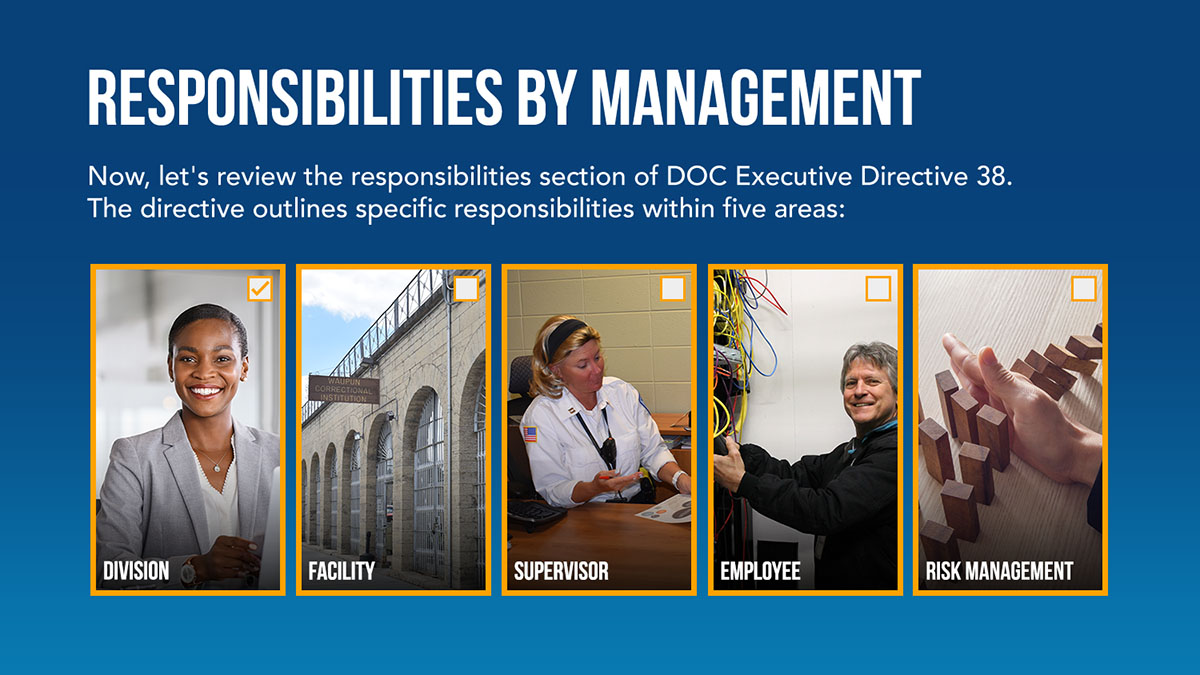
We do not simply click-export slides—we restructure passive presenter notes into active self-paced learning.
Speaker notes and dense bullet slides are rewritten into concise on-screen copy and conversational narration.
Static slides become clean interactive tabs, hotspots, timelines, and mini-scenarios.
End-of-module assessment verifying learner comprehension for LMS completion credit.
Delivered as SCORM 1.2/2004 or xAPI alongside full Storyline 360 or Rise 360 source files.
A structured, milestone-driven workflow designed for predictable quality and on-time delivery.
You send your `.pptx`, facilitator notes, or webinar video and we map the conversion scope.
You approve the rewritten narration script and planned interactive screens.
We build the interactive course, sync narration, and add knowledge checks.
We deliver the tested SCORM/xAPI package and editable source files.
Standard product specifications for procurement, technical review, and catalog comparison.
| Product SKU | CRS-04 |
|---|---|
| Source Input | One existing PowerPoint deck (up to 45 slides), training manual, or 60-min webinar recording |
| Authoring Output | Articulate Storyline 360 or Rise 360 + SCORM/xAPI/cmi5 package |
| Accessibility | WCAG 2.1 AA and Section 508 compliant |
We refresh the typography, layout hierarchy, and graphics to match your current brand guidelines.
Yes. Multi-day ILT curricula are typically split into a series of 30–45 minute self-paced modules.
Every PowerPoint-to-elearning Course Conversion deliverable is tested for WCAG 2.1 AA and Section 508 compliant compatibility and verified across major platforms such as Cornerstone, Workday Learning, Docebo, Absorb, Canvas, and Moodle before final handoff.
Yes. Unless scoped otherwise, we build with keyboard navigation, logical focus order, screen-reader labels, sufficient color contrast, and synchronized captions or transcripts to align with WCAG 2.1 Level AA and Section 508.
We keep SME workload light and structured: a 60-minute kickoff call, targeted asynchronous document or prototype reviews at defined milestones, and consolidated feedback rounds so your team never gets bogged down.
Share your timeline, target audience, and technical requirements to kick off your PowerPoint-to-elearning Course Conversion engagement.